
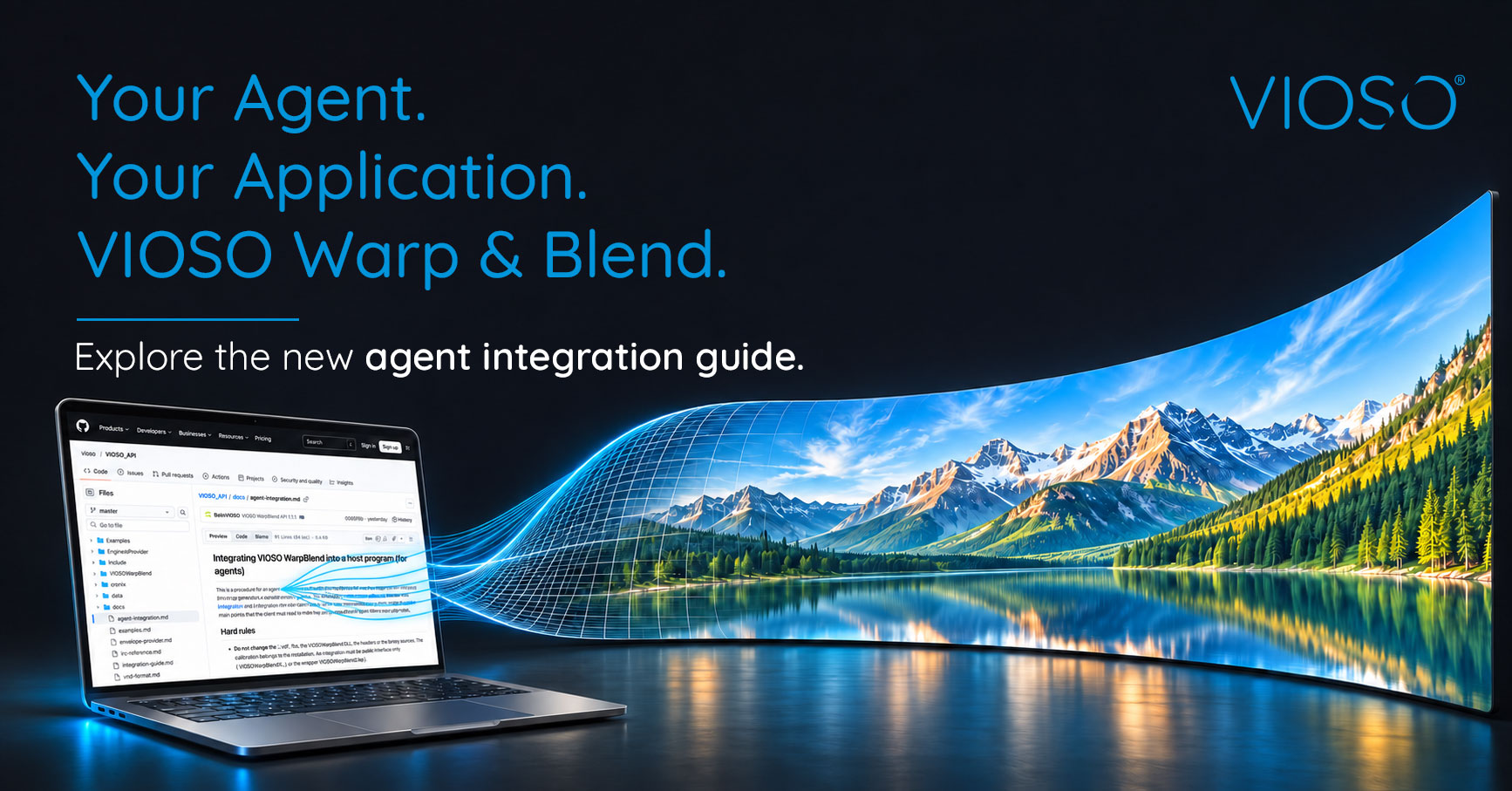
Picture a media server team adding VIOSO warp and blend to their product. The setup they want to support is a familiar one: several projectors, overlapping edges and one seamless image, calibrated with VIOSO software. The question is how to get there inside their own application.
With the VIOSO WarpBlend API, the answer starts in the repository itself. Every release now ships with integration instructions written for AI coding agents, versioned together with the code they describe. When the team opens the SDK with their coding agent, the agent finds its own way in, and the instructions it reads always match the API version in front of it.
From first look to working outputs
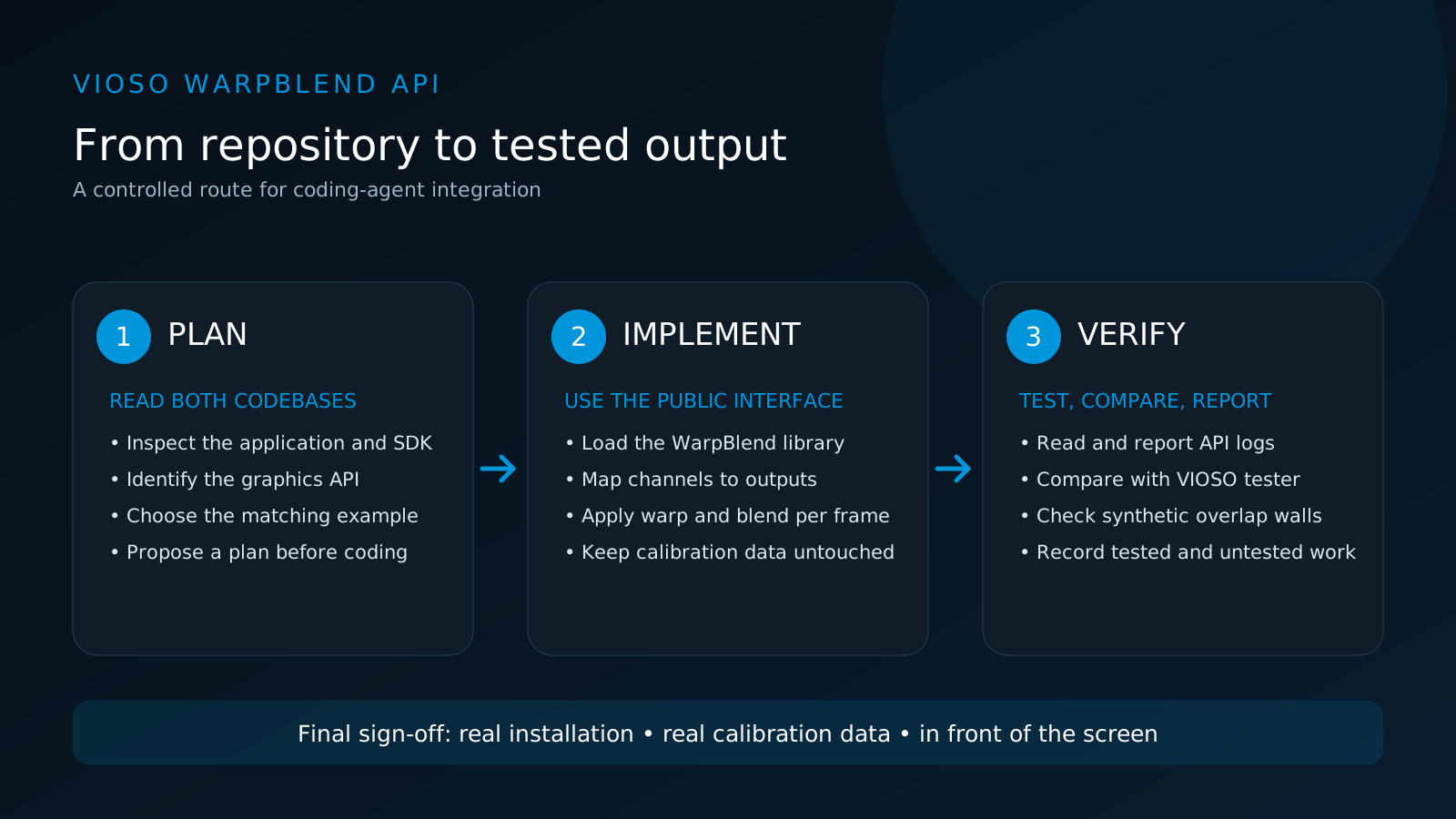
The team starts small. They place the SDK next to their project and ask the agent to study both and propose an integration plan before touching any code.
The guide gives the agent a clear route. It identifies which graphics API the media server uses, chooses the matching example from the SDK (including one built for multiple outputs on a single graphics device), loads the library, maps each calibrated channel to the right output and adds the calls that apply warp and blend to every frame.
The guide also sets boundaries. The agent works through the public interface only, leaves the installation’s calibration data untouched and uses the documented settings instead of inventing its own. When something fails, it reads the API’s log and reports what it found.
Checking what was built
Code that compiles is a first milestone, not the finish line. The guide asks the agent to check its work with tools included in the SDK: first the numbers and the log, then the picture. The output is compared with VIOSO’s own tester using the same test image, and synthetic test walls with overlapping channels let the team check blending before a real calibration is available. For Direct3D 12 integrations, a test with moving content confirms that frames are handled correctly when several are in flight.
At the end, the agent reports what it implemented, which checks it ran and what remains untested. The team gets a clear handover instead of a black box.
These checks confirm that the integration behaves like VIOSO’s reference tools. Final sign-off still happens where it always has: on the real installation, with real calibration data, in front of the screen.
Tried before release
During development, we gave the instructions to fresh agent sessions that had never seen the SDK and let them work through the integration. What we learned from those runs went straight back into the guide.
What’s new in the API
Version 1.7 is a clean-up release. We went through code, build and documentation with one aim: an integration should work the first time, and when it doesn’t, the log should say why. The warp is more precise, error messages name the file and settings they refer to, the build is a single CMake setup, and new testing tools come with the SDK. Version 1.7.1 adds a fix for Direct3D 12 integrations with several frames in flight.
Try it with your own project
If a VIOSO integration has been on your list, start with one small, testable task. Open the SDK with your coding agent, ask for an integration plan, and then work through implementation and checks step by step.